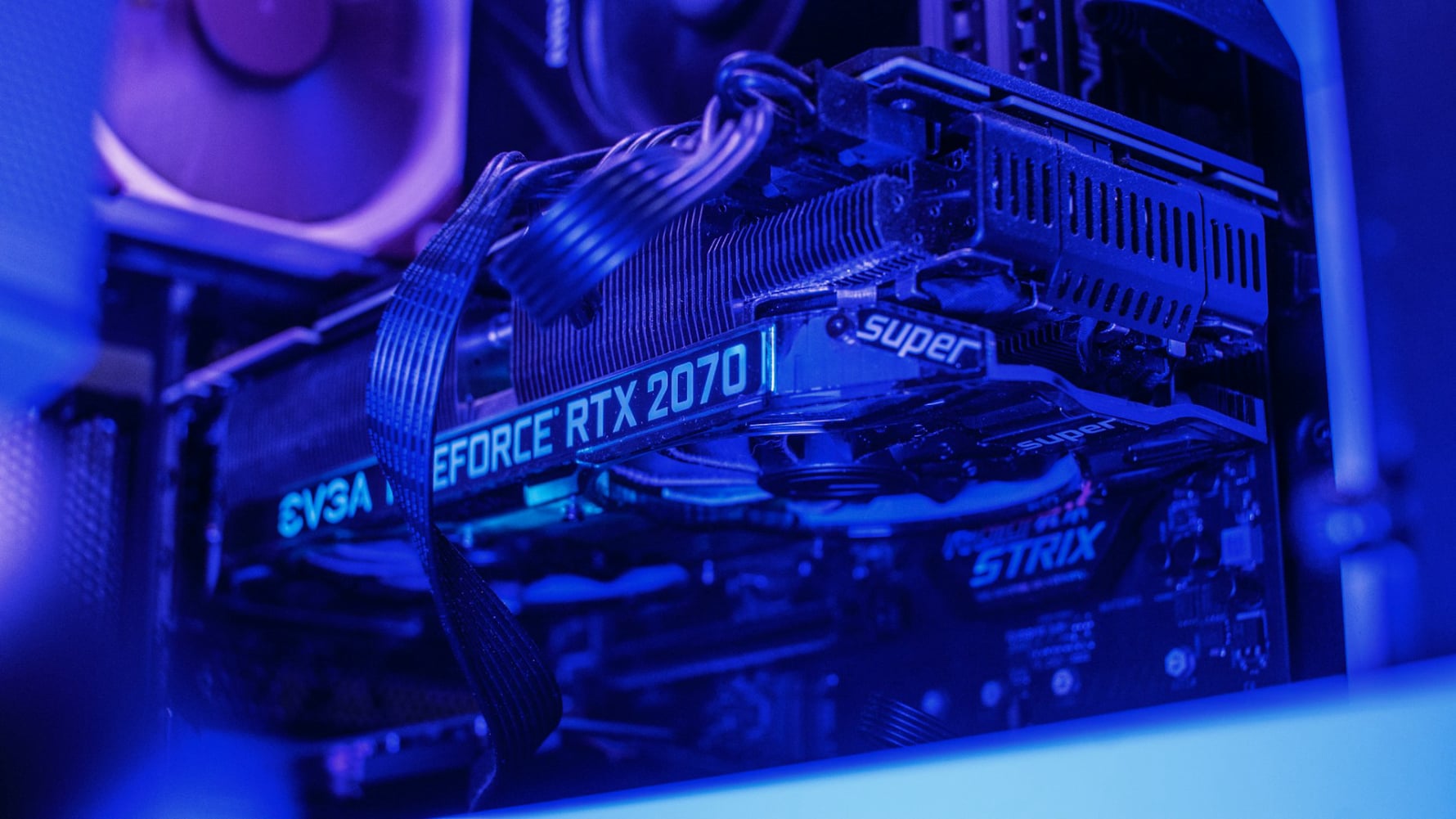
Beyond The Graphics Card: A Modern Guide To Understanding PC Performance Bottlenecks
The pursuit of higher frame rates and smoother gameplay often leads to a singular focus on the graphics card, but this is a fundamental oversimplification of how a modern gaming PC functions. Your system is a pipeline, and the GPU is merely the final, highly visible stage where images are rendered. A bottleneck occurs when any component earlier in that pipeline cannot supply data fast enough, leaving the GPU underutilized and waiting. Identifying the true bottleneck is the key to effective upgrading and tuning, as throwing a more powerful GPU at a system constrained elsewhere is an inefficient and often disappointing investment.
The Central Processing Unit, or CPU, acts as the master coordinator and is a common source of limitation, especially in simulation-heavy, strategy, or open-world games. The CPU is responsible for game logic, artificial intelligence, physics calculations, and preparing instructions for the GPU. If a CPU lacks sufficient single-core speed or enough cores to handle these tasks, the GPU will be left idle, resulting in lower frame rates, stuttering, and poor frame pacing. This is why pairing a top-tier GPU with a budget or outdated CPU rarely yields the expected performance; the chain is only as strong as its weakest link.
System memory, or RAM, and storage are the unsung heroes of performance consistency. RAM serves as the high-speed workspace for active data. Insufficient RAM capacity forces the system to use much slower virtual memory on the storage drive, causing severe stutters. Beyond capacity, RAM speed and timings directly affect how quickly the CPU can access this data, influencing minimum frame rates. Your storage drive, particularly a slow hard disk drive, can bottleneck games that constantly stream in new world data, leading to texture pop-in, long load times, and hitches during gameplay, problems that a fast NVMe solid-state drive can virtually eliminate.
Software and settings form the critical layer where hardware potential is translated into actual experience. Outdated or poorly configured graphics drivers, unnecessary background processes, and an unoptimized operating system can consume precious resources. Within games themselves, specific settings like draw distance, shadow quality, and crowd density often tax the CPU and RAM more than the GPU. Understanding which settings affect which components allows for smarter adjustments that can relieve a bottleneck, providing a smoother experience without necessarily sacrificing visual fidelity where it counts most.
Therefore, a holistic approach is essential for maximizing performance. Use monitoring tools to observe GPU and CPU utilization during gameplay; if your GPU is consistently below 95-99% usage, another component is likely holding it back. Prioritize upgrades that address your specific bottleneck, whether it's moving to a faster CPU, adding more or faster RAM, or migrating to an SSD. By viewing your PC as an interconnected system, you can make targeted, cost-effective improvements that translate directly into a smoother, more responsive, and ultimately more enjoyable gaming experience.